 coorlay
coorlay
Экспериментальный CarPlay для штатной магнитолы Geely Coolray — по USB и без провода. Experimental CarPlay for the factory Geely Coolray head unit — over USB and wireless.
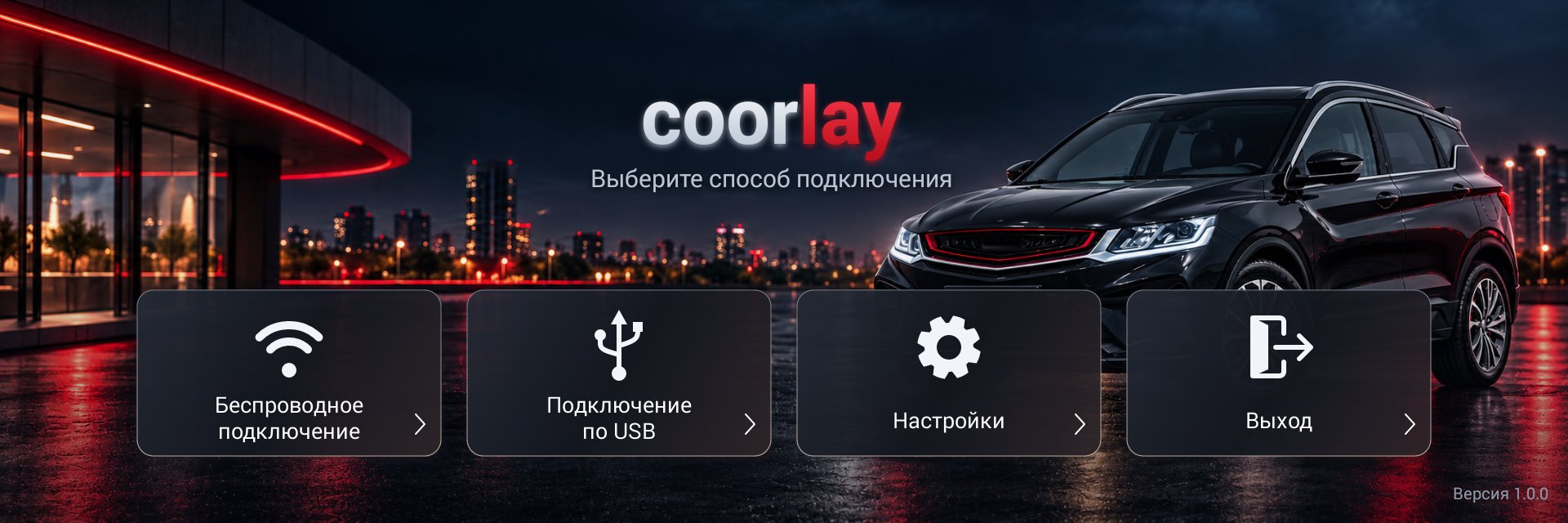
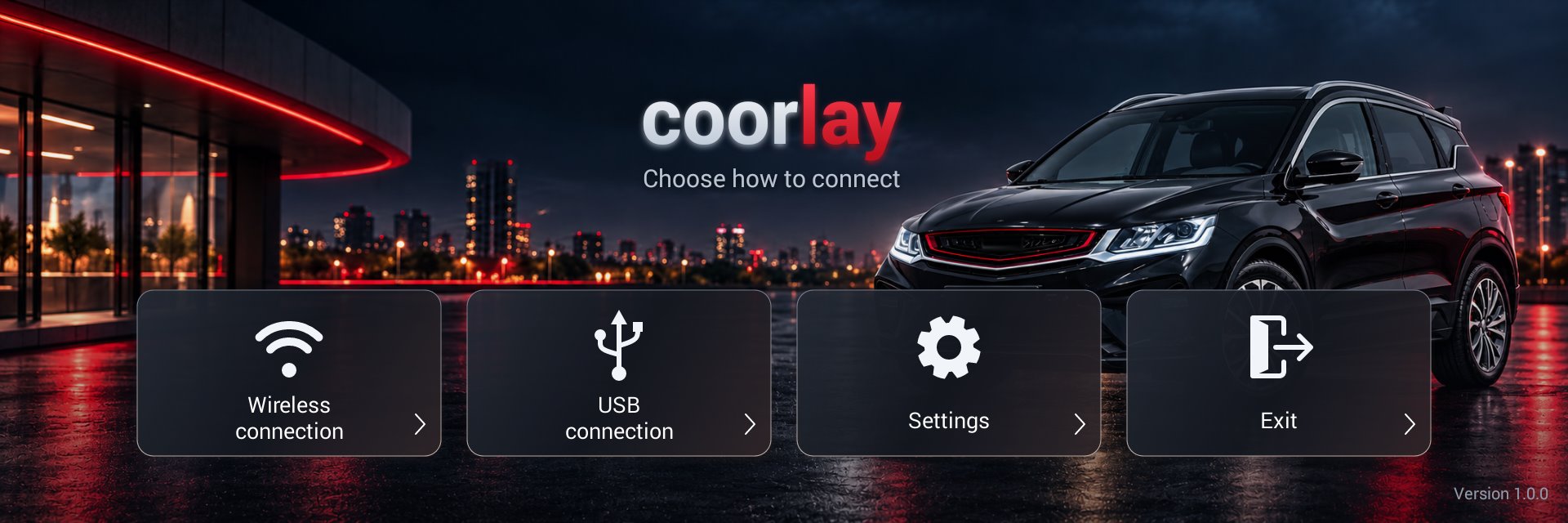
ВозможностиFeatures
CarPlay по USBCarPlay over USB
Подключите iPhone кабелем — изображение, касания и звук сразу на экране магнитолы.Plug in the iPhone — video, touch and audio go straight to the head-unit screen.
Беспроводной CarPlayWireless CarPlay
Сопряжение через штатный Bluetooth, затем Wi-Fi — точка доступа магнитолы или Wi-Fi Direct.Pairing over the factory Bluetooth, then Wi-Fi — the head unit's hotspot or Wi-Fi Direct.
Звук, Siri и микрофонAudio, Siri and microphone
Музыка, навигация, звонки и голосовое управление через штатные динамики и микрофон.Music, navigation, calls and voice control through the car's speakers and microphone.
Руль и приборная панельSteering wheel and cluster
Кнопки руля управляют CarPlay; трек и стрелки навигации видны на приборной панели.Steering wheel buttons control CarPlay; track info and navigation arrows appear on the cluster.
АвтозапускAutostart
Стартует вместе с магнитолой и подключается сам: по USB сразу, без провода — через точку доступа.Starts with the head unit and connects by itself: USB at once, wireless through the hotspot.
ДиагностикаDiagnostics
Журнал подключения сохраняется на флешку — с ним проще разобраться в проблеме. Интерфейс на русском и английском.The connection log is saved to a USB stick to help track down problems. Russian and English interface.
Для какой магнитолыSupported head unit
| АвтомобильCar | Geely Coolray / SX11 |
|---|---|
| МагнитолаHead unit | Neusoft, C3ALFUS |
| ПрошивкаFirmware | 05.05.* – 05.07.* |
| СистемаSystem | Android 4.3 / API 18 |
| ЭкранScreen | 1920×640 |
Другие магнитолы и прошивки не проверялись и не поддерживаются. Other head units and firmware versions have not been tested and are not supported.
УстановкаInstallation
- Скачайте APK и скопируйте его на флешку (FAT32). Download the APK and copy it to a USB stick (FAT32).
-
Если стоят прежние сборки coorlay 0.0.x (пакет
com.shihab.diplay.coolray43), удалите их: версия 1.0.0 ставится отдельным приложением, и две копии будут мешать друг другу. If an earlier coorlay 0.0.x build is installed (packagecom.shihab.diplay.coolray43), uninstall it: 1.0.0 installs as a separate app, and two copies get in each other's way. - Установите APK файловым менеджером магнитолы — или с флешки от root: так же исправляется Wi-Fi Direct. Install the APK with the head unit's file manager — or as root from a USB stick (in Russian), which also fixes Wi-Fi Direct.
- Подключите iPhone кабелем или выберите «Беспроводное подключение». Для беспроводного сначала выполните сопряжение iPhone в штатном меню Bluetooth магнитолы. Connect the iPhone with a cable or choose "Wireless connection". For wireless, first pair the iPhone in the head unit's own Bluetooth menu.
Wi-Fi Direct не включается?Wi-Fi Direct does not turn on?
На штатной прошивке Wi-Fi Direct не работает из-за ошибки в её настройках Wi-Fi. Её исправляет флешка: магнитола сама запускает скрипт от root, он меняет один системный файл и больше ничего не трогает. Можно исправить только Wi-Fi Direct, не переустанавливая coorlay. Без исправления беспроводной CarPlay работает через точку доступа магнитолы. On the stock firmware Wi-Fi Direct is broken by a mistake in its Wi-Fi configuration. A USB stick fixes it: the head unit runs the script as root, and it changes one system file and nothing else. You can fix only Wi-Fi Direct without reinstalling coorlay. Without the fix, wireless CarPlay works through the head unit's hotspot.
Инструкция по исправлению Wi-Fi Direct Wi-Fi Direct fix instructions (in Russian)Отказ от ответственностиDisclaimer
coorlay — любительский экспериментальный проект. Он распространяется «как есть», без каких-либо гарантий (GPL-3.0). Вы устанавливаете его на свой страх и риск: стороннее приложение и установка от root могут нарушить работу магнитолы и стать причиной отказа в гарантийном обслуживании. Не отвлекайтесь на экран во время движения и соблюдайте ПДД.
coorlay is an experimental hobby project. It is provided "as is", without any warranty (GPL-3.0). You install it at your own risk: third-party apps and the root installer may break the head unit and may void its warranty. Do not get distracted by the screen while driving and obey traffic rules.
Приложение не сертифицировано Apple. APK содержит экспериментальную MFi-идентичность аксессуара из публичного preview APK DiPlay; это не ключи, выданные Apple, и iPhone может перестать их принимать.
The app is not certified by Apple. The APK contains the experimental MFi accessory identity from DiPlay's public preview APK; these are not Apple-issued keys, and iPhones may stop accepting them.